 ai-community-skills
All the community Agent Skills,
in one place.
Skills for Claude Code, Codex, and Grok are scattered across dozens of GitHub repositories. ai-community-skills pulls them into one local catalog you can search, browse, and install from, with a risk check on every skill as a bonus.
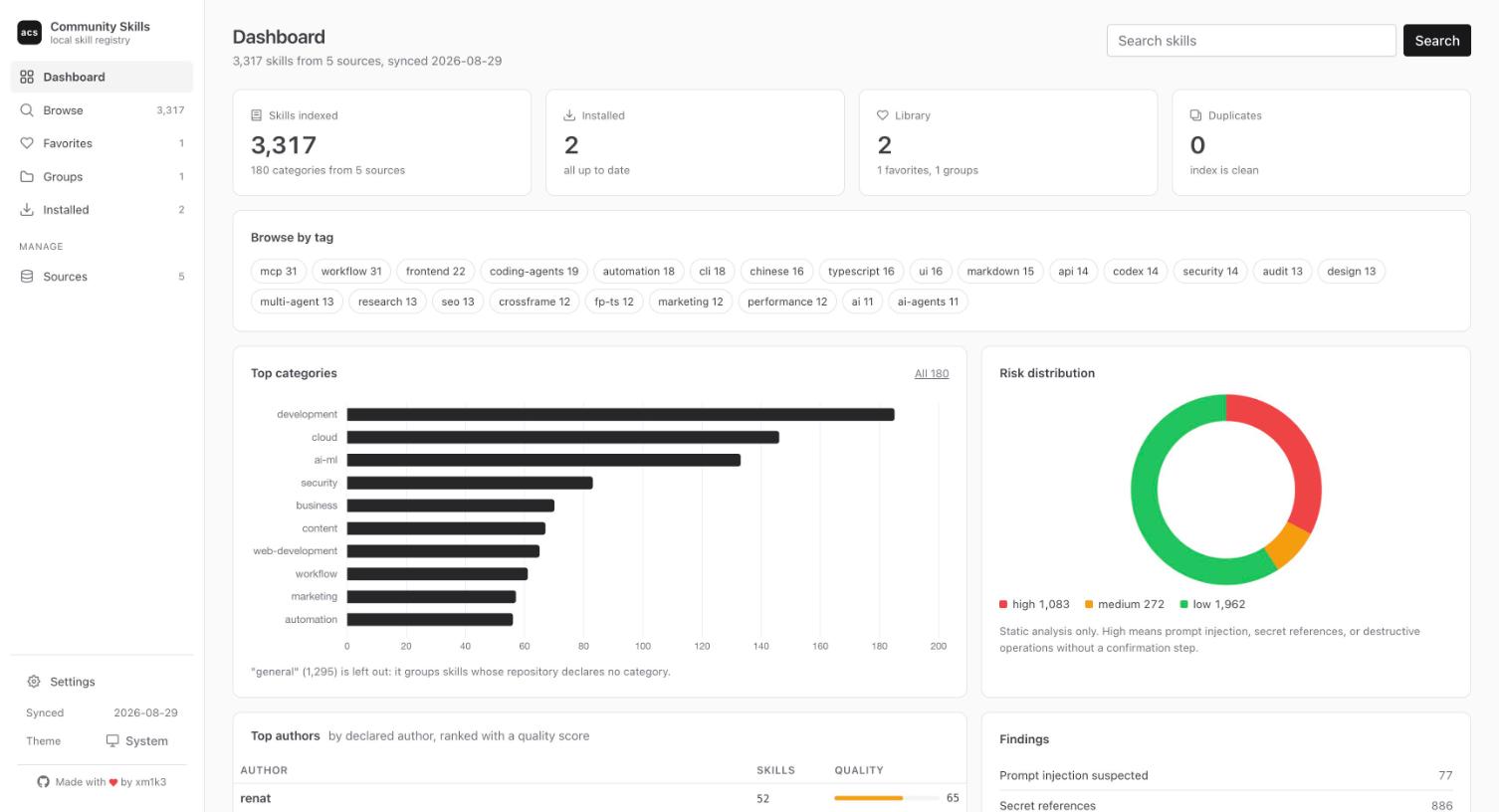
What it does
One catalog for SKILL.md based Agent Skills from every source you care about, plus the tools to pick the right ones.
Aggregate any repository
Point it at GitHub repositories of community skills. acs sync clones them, walks every SKILL.md, and builds one searchable index.
Static risk analysis
Scripts, network calls, destructive operations without confirmation, prompt injection patterns, secret references. Every finding points to a file and a line. Nothing is ever executed.
Install where you work
Claude Code personal or project scope, Codex, Grok Build, or a zip for claude.ai. A risk summary and a confirmation come first, and drift is reported after every sync.
Browse and search
Filter by risk, source, category, tag, author, or install state. Sort any column. Every view has a URL you can share.
Favorites and groups
Mark skills, build named groups, install a whole group in one go, and export it as JSON to import on another machine.
Dedupe with trust
The same skill published by several aggregators is collapsed to one entry. Each source has a trust level, and the most trusted copy wins.
The dashboard
Run acs ui and open http://127.0.0.1:8080. Same catalog, same analysis, a faster way to review.
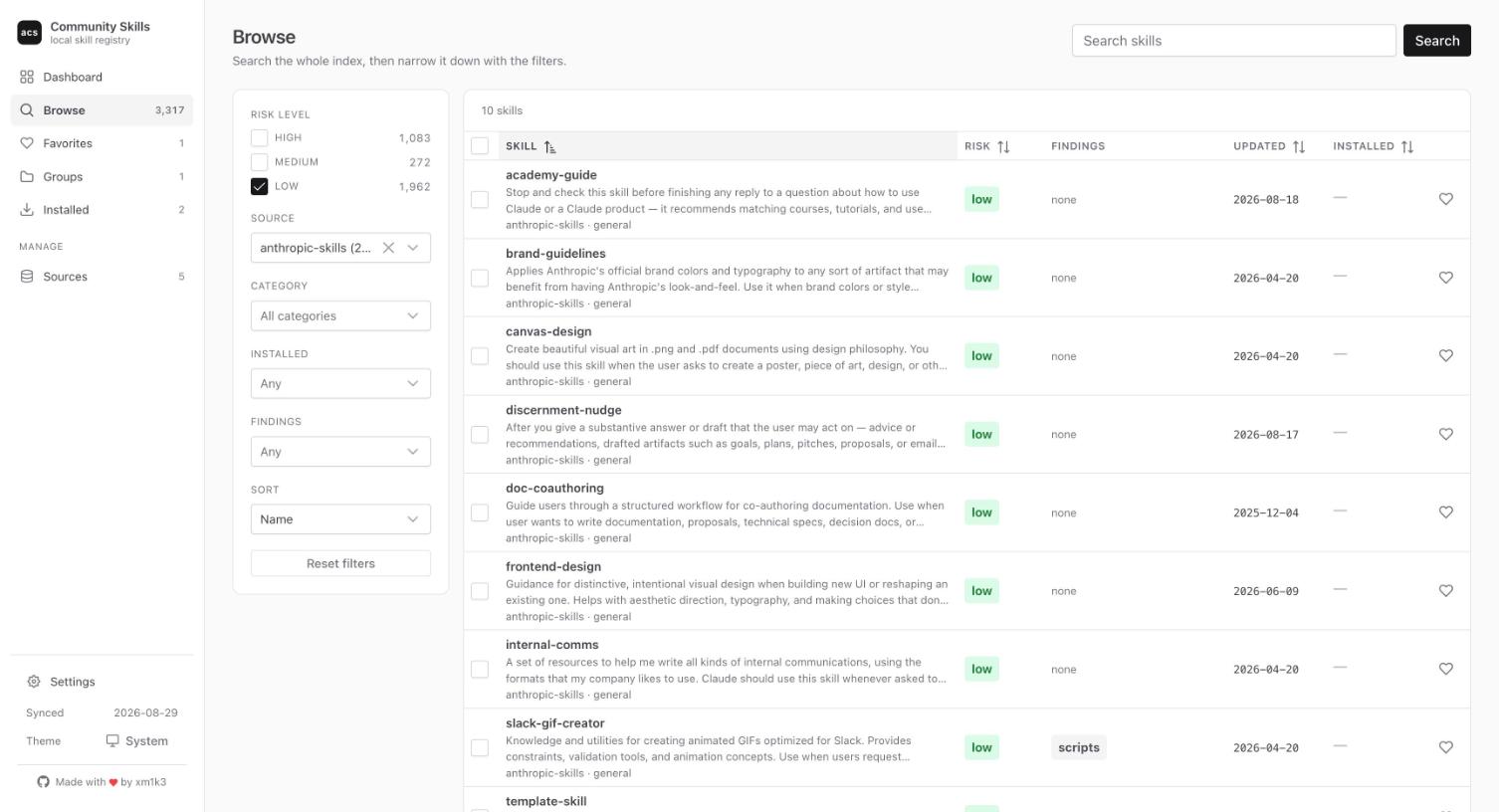
Browse the whole catalog
Thousands of skills from every source in one table, narrowed down in a click.
- Filter by risk level, source, category, tag, author, or install state
- Sort any column, 25 to 100 rows per page
- Select many rows to install, favorite, or group them at once
- Every filter lives in the URL, so a view can be shared
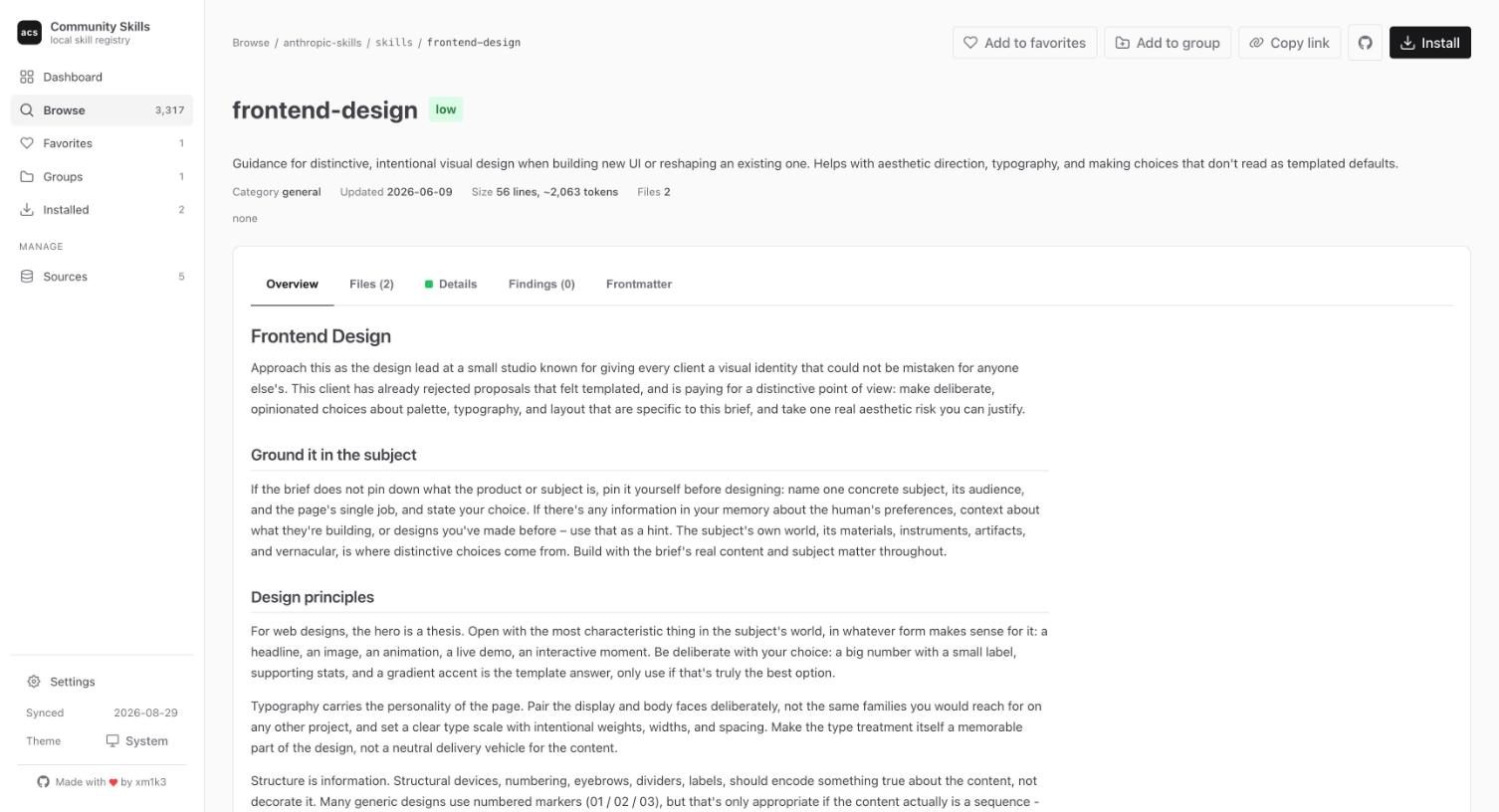
Read a skill before you trust it
Each skill page shows what the agent would actually read and what the analysis found in it.
- SKILL.md rendered as markdown with syntax-highlighted code
- A file tree for everything shipped with the skill
- Every finding with file, line, and excerpt, one click from the source
- Install from the page, with the risk summary in front of you
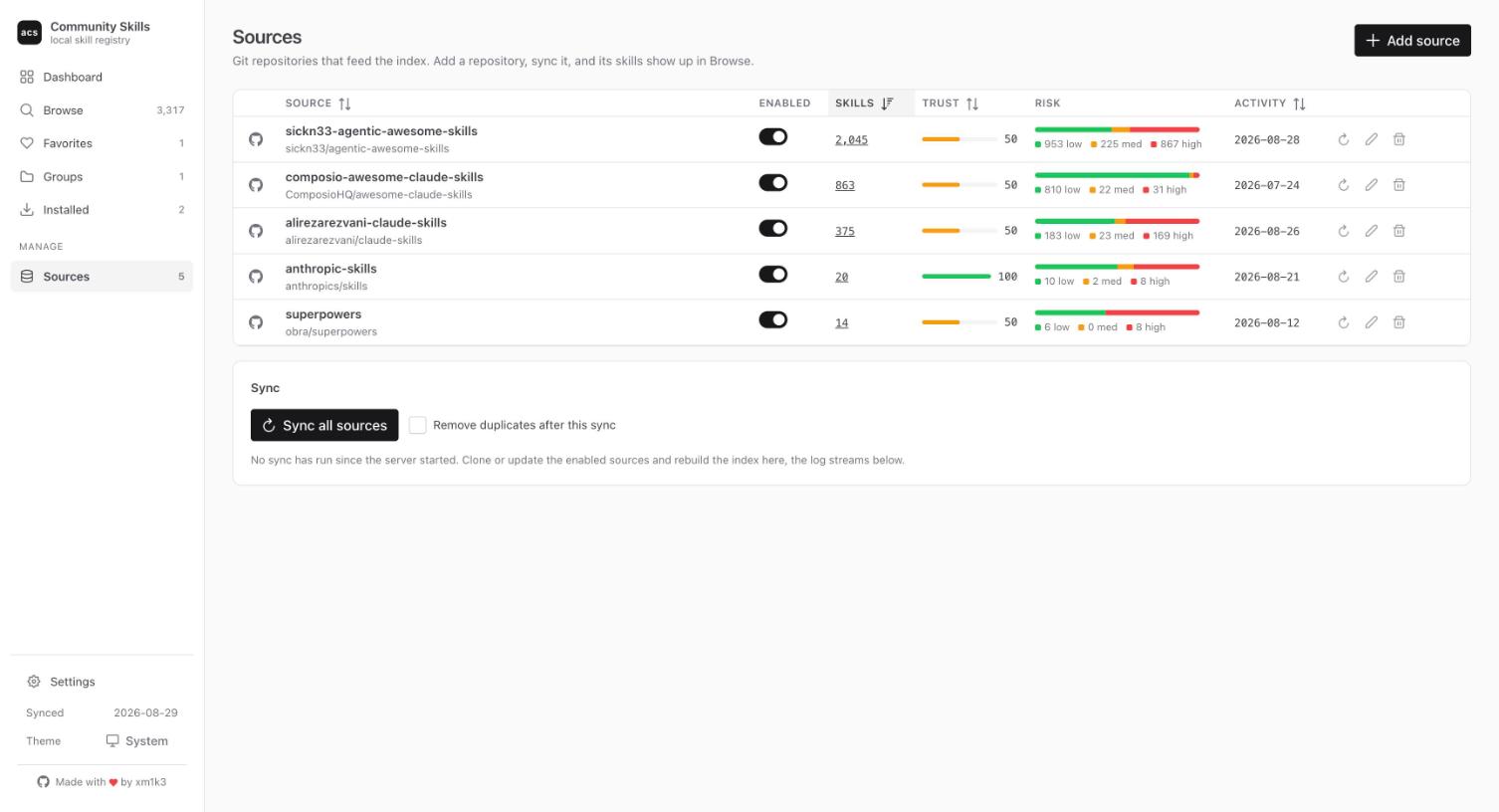
Decide who you trust
Sources are git repositories. Add one, sync it, and its skills show up in the catalog.
- Risk breakdown per source at a glance
- A trust level per repository: the most trusted copy wins when skills are duplicated
- Enable, disable, sync, or remove a source without touching a file
From the terminal
Node.js 20 or newer and git on PATH. Everything lives under ~/.acs/.
# write the default config
acs init

# clone the sources and build the catalog
acs sync

# find something
acs search "frontend design"
acs info frontend-design

# install after reviewing the risk summary
acs install frontend-design
acs install frontend-design --target codex
acs install frontend-design --target grok

# or do it all from the browser
acs ui